AUTOMATE EVERYTHING.
FOR DEVS & AI AGENTS.
An automation and CI/CD engine in a single binary - environments, secrets, modules, parallel steps, real error handling. Runs the same locally, in any CI, even on Windows. And when an AI agent solves a task, capture the session and replay it forever with zero tokens.
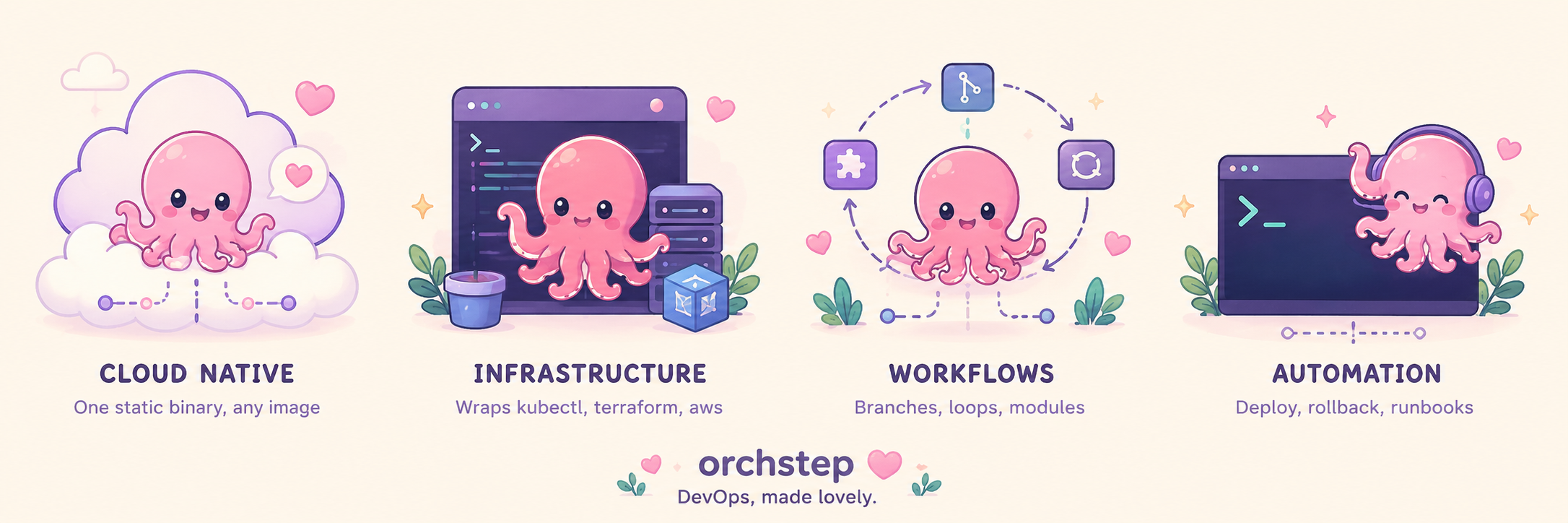
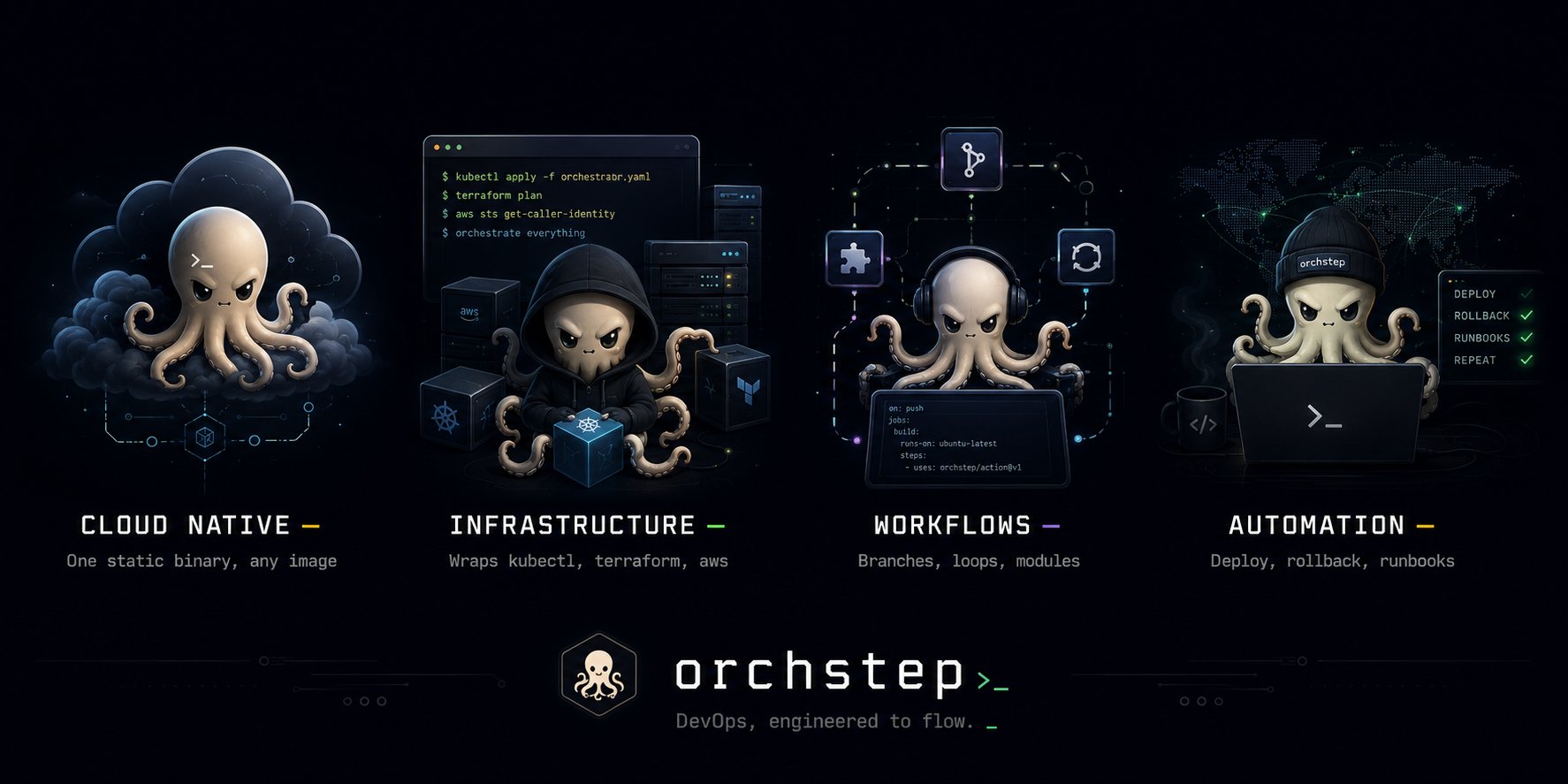
Be simple & cute, or sophisticated & cool - it's all up to you.
SEE_THE_WHOLE_THING
Not a toy snippet - a real project. Two pipelines compose the auto-discovered task files: ci (parallel multi-arch build + unit/function/integration tests) wires into GitHub CI, and deploy (a local Helm module, a smoke-test loop, then a notify module) ships to dev, staging, or production from one workflow input - whose GitHub workflow even clones the repo with the @community checkout module instead of actions/checkout. Click through it:
name: my-service
desc: Build a Go service into a Docker image, ship it to Kubernetes

# Shared constants and per-environment values live in environments/*.yml,
# picked with --env. The sibling environments/ directory is auto-detected -
# no env_config needed. The filename IS the hierarchy: --env production loads
# defaults.yml then production.yml (later overrides earlier).

# Credentials pulled from YOUR tool - never stored, masked in logs.
secrets:
  REGISTRY_TOKEN: { cmd: "op read op://ci/ghcr/token" }   # 1Password / Vault / aws...

# Reusable modules: a local one in this repo + public & private registry modules.
registries:
  acme: { url: github.com/acme/orchstep-modules }
modules:
  - { name: deployer, source: ./modules/deployer }                # local (in this repo)
  - { name: notify,   source: "@acme/notify", version: "^1.0.0" } # remote (private registry)

# build / test / smoke (tasks/*.yml) are auto-discovered. Two top-level
# pipelines compose them - ci wires into GitHub CI, deploy into the deploy
# workflow. Steps use desc: (no name:) and pass params with with:.
tasks:
  ci:
    desc: Build and run the full test suite
    steps:
      - desc: Build and push the multi-arch image
        task: build
        with:
          push: "true"
      - desc: Run unit, function, and integration tests
        task: test

  deploy:
    desc: Roll out, smoke-test, then announce
    steps:
      - desc: Roll out to Kubernetes via the local deployer module
        module: deployer
        task: deploy
        with:
          app: "{{ vars.app }}"
          version: "{{ vars.version }}"
          namespace: "{{ vars.namespace }}"
          replicas: "{{ vars.replicas }}"
          cpu: "{{ vars.resources.cpu }}"
          host: "{{ vars.ingress.host }}"
      - desc: Smoke-test the deployed endpoints
        task: smoke
      - desc: Announce the release via the private notify module
        module: notify
        task: send
        with:
          text: "{{ vars.app }} {{ vars.version }} shipped to {{ vars.namespace }}"
parallel: builds amd64 + arm64 at the same time
loop: over a list, with per-item retry
capture stdout (image digest), reuse it downstream
environments/*.yml object values, picked with --env
vault-backed secrets piped into each tool via env:
task:/with: delegation + local & private modules
ORCHSTEP_CLI
The command line is the product. Define a workflow in YAML and run it anywhere with orchstep run — it delegates to the tools you already use, previews the resolved plan before executing, targets any environment, and turns an agent's solved task into a deterministic replay that costs zero tokens. A 90-second tour: run, menu, dry-run, environments, JSON output, and capture → replay.
ORCHSTEP_PIPELINE
The optional web console for the CLI - a task launcher and live pipeline dashboard you open with orchstep serve. A second-class citizen by design: every click is an orchstep command underneath. A 60-second tour - run a task, watch the graph light up step by step, read the pretty logs, and inspect any step.
BUILT_FOR_HOW_YOU_WORK
The same engine, whether you drive it from a terminal, a keyboard menu, CI, or an AI agent - and the dev-loop tools to see exactly what a run will do before it does it.
INTERACTIVE MENU >
orchstep menuA keyboard task picker: single-keystroke hotkeys, fuzzy search, and a public/internal filter cycle. Bare orchstep auto-launches it.
DRY RUN >
orchstep run --dry-runPreview the entire resolved chain - every task, step, and value - without executing a thing. Catch the mistake before prod does.
EXPLAIN A VALUE >
orchstep eval --explainSeven layers of precedence, one answer: which layer set a variable and which it shadowed. Like git config --show-origin.
BREAKPOINTS >
orchstep run --break-before build.pushPause right before a step, inspect the live resolved state, then continue. Or set flags: [breakpoint] on the step itself.
WINDOWS, NO BASH >
type: goshA built-in Go shell runs the same workflow on Windows with no bash and no install - one binary, six platforms, identical behavior.
SPEAKS DATA, NOT STRINGS >
func: render / {{ x | toJson }}Parse JSON/YAML into objects, render config files from templates, and pipe structured data straight into any other tool.
RECORD THE WORK YOU ALREADY DO
You test and ship by hand first - build, run the tests, deploy. The orchstep-capture skill records that solved session into a single workflow file. Every run after replays the same logic deterministically - no LLM, no tokens, no drift.
$ go build -o bin/my-service ./cmd/my-service
$ docker build -t ghcr.io/acme/my-service:0.1.0 .
$ go test ./...   ok
$ helm upgrade --install my-service ./charts/my-service -n staging
name: my-service
tasks:
  main:
    steps:
      - { name: build,  func: shell, do: go build -o bin/my-service ./cmd/my-service }
      - { name: image,  func: shell, do: docker build -t ghcr.io/acme/my-service:0.1.0 . }
      - { name: test,   func: shell, do: go test ./... }
- { name: deploy, func: shell, do: helm upgrade --install my-service ./charts/my-service -n staging }$ orchstep run ✓ build · image · test · deploy - same result, no model in the loop
LET THE AGENT ARCHITECT IT
A captured one-task file is a start - production needs structure. The orchstep-workflow-design skill turns that simple workflow (or a brand-new project) into a modular, reusable design: environment segregation, split task files, a reusable module, real error handling, and the CI/deploy workflows - all generated, none hand-authored. That is the project in the browser above.
orchstep.yml from Step 1 - or point the skill at a brand-new project.It refactors the one task into the production-grade project above - generated, not hand-authored:
- ✓
orchstep.yml - ci + deploy pipelines - ✓
environments/{defaults,dev,staging,production}.yml - segregation - ✓
tasks/{build,test,smoke}.yml - split + parallel + loops - ✓
modules/deployer/ - reusable local Helm module - ✓
.github/workflows/{ci,deploy}.yml - CI + manual deploy
WHY_ORCHSTEP
NO_PLATFORM
A single CLI binary. Runs inside your existing CI/CD - no SaaS signup, no agents to install.
SHELL_FIRST
Delegates to your existing tools: terraform, kubectl, aws, docker. OrchStep orchestrates; your tools execute.
AI_READY
MCP server, skill documents, and --format json on every command. First-class LLM integration.
ECOSYSTEM
Reusable modules for common tasks. Publish to the registry or keep them private.
KEYBOARD_UX
orchstep menu opens an interactive task picker with single-keystroke hotkeys and fuzzy search.
AI-NATIVE, END TO END
Capture and design are just two of the skills. The whole engine is built for agents: an MCP server to author and run workflows, skill documents that ship for Claude Code and any MCP-capable agent, and machine-readable --format json on every command. Your agent builds, runs, and inspects OrchStep without screen-scraping.
Agents author workflows, execute tasks, and manage modules through structured interfaces.
Capture, design, and release skills ship with the engine for Claude Code and beyond.
Every command emits machine-readable output. No screen-scraping, no guesswork.