Quick Start
Your first OrchStep workflow in 2 minutes
Setup - 1, 2, 3
The fastest taste of OrchStep - install it, clone the main repo, and run its built-in demos:
# 1. Install OrchStep
curl -fsSL https://orchstep.dev/install.sh | sh
#    or: brew tap orchstep/tap && brew install orchstep
#    or: npm install -g orchstep   /   pip install orchstep

# 2. Grab the repo - it ships runnable demos
git clone https://github.com/orchstep/orchstep.git && cd orchstep

# 3. The must-see demo - interactive task menu
orchstep menu

# 4. The GUI - run tasks from a local web dashboard
orchstep serve # -> http://127.0.0.1:7777 (or pick "dashboard" in the menu)The menu includes hello-world and HTTP demos, prompt generators that write LLM prompts for the workflow-design skill, and utilities like install_skill and upgrade. Full install options: Installation.
Ready to build your own workflow? Read on.
Create a Workflow
Scaffold a starter file (available since v0.9.0):
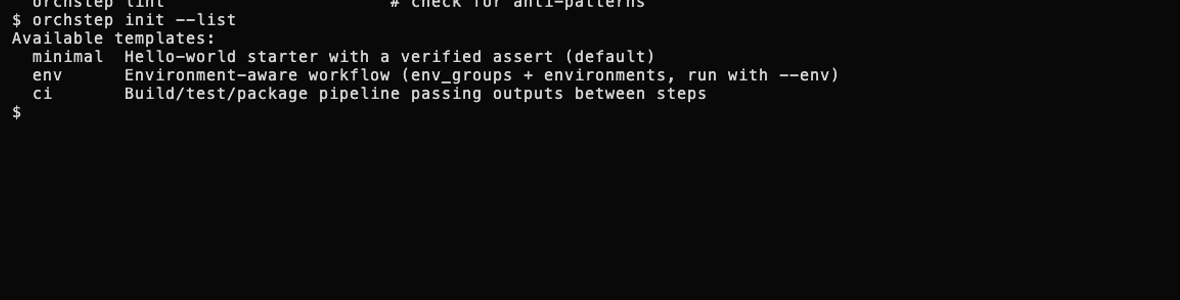
orchstep initThis writes a commented, runnable orchstep.yml and prints the next
commands to try. orchstep init --list shows the other templates:
env (environment-aware, run with --env) and ci (a build/test/package
pipeline). An existing file is never overwritten unless you pass --force.
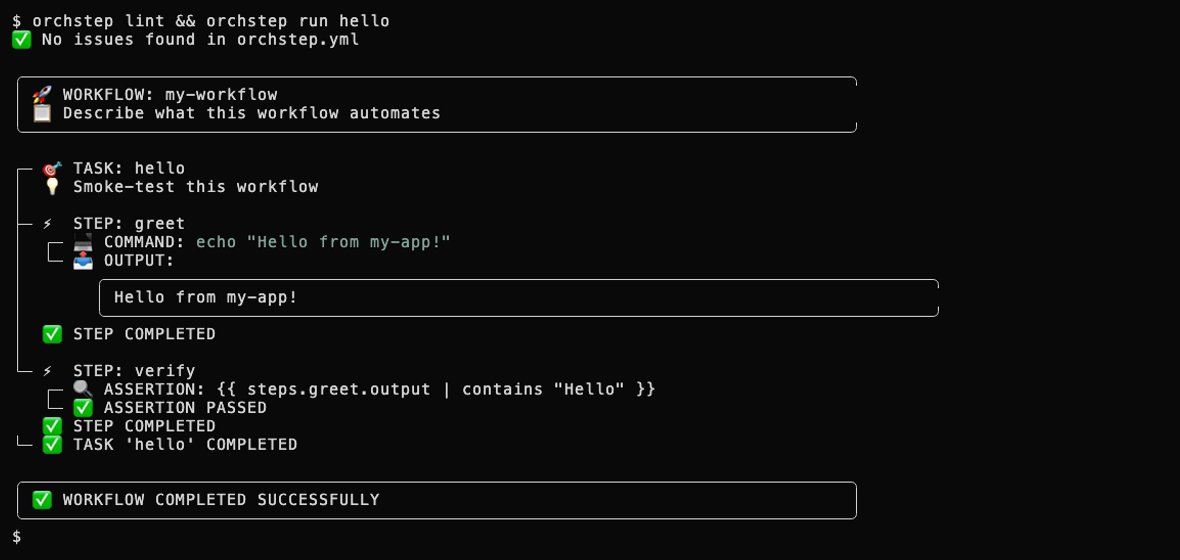
The generated file is a complete workflow, not a stub - it lints clean and its starter task runs green immediately:
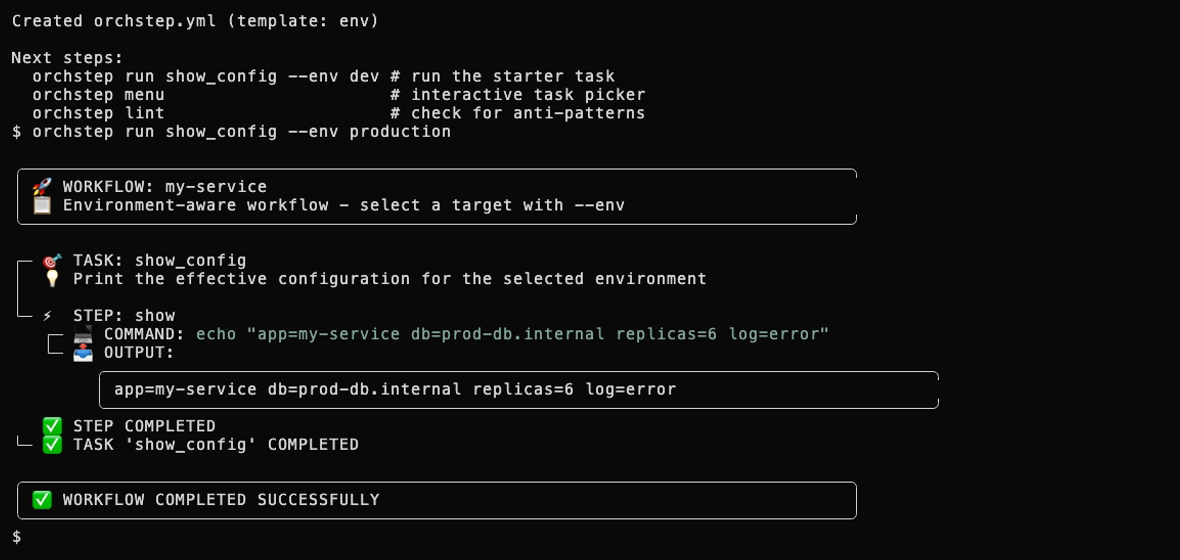
The env template scaffolds a workflow with env_groups and
environments already wired, so --env production resolves group and
environment overrides out of the box:
The whole loop in motion:

Or write the file by hand - this is the whole shape:
name: hello
tasks:
  greet:
    steps:
      - name: say-hello
        func: shell
do: echo "Hello from OrchStep!"Run It
orchstep run greet # or: orchstep run hello, if you used `orchstep init`Or pick the task from a keyboard menu:
orchstep menuThe menu shows every task in your workflow with auto-assigned single-keystroke hotkeys. Hit the hotkey to run that task instantly, or arrow keys / / to enter fuzzy search and filter by name or description. f cycles filter modes (all → a-z → public → internal), q quits. Running plain orchstep in a terminal auto-launches the menu; in a CI pipeline or non-terminal context it exits cleanly with an error instead of hanging.
Shell note: OrchStep uses POSIX
sh(/bin/sh) by default, so your workflows run on Alpine, distroless containers, and any Linux/macOS system without extra dependencies. On Windows, settype: "gosh"to use the built-in Go-native shell — no bash or WSL needed. See Shell Execution for details.
Add Variables
name: deploy
defaults:
  env: staging
  version: "1.0.0"

tasks:
  deploy:
    steps:
      - name: build
        func: shell
        do: echo "Building v{{ vars.version }} for {{ vars.env }}"
      - name: verify
        func: assert
        args:
          condition: '{{ ne vars.version "" }}'
desc: "Version must not be empty"orchstep run deploy
orchstep run deploy --var env=production --var version=2.0.0Next Steps
- Browse examples for real-world patterns
- Read the function reference to see what's available
- Learn about modules for reusable components